World ESP
World ESP marks chests, oculi, resources, and monsters with boxes, tracers, and distance. Map points sit in the same overlay.
- Chests, oculi, and resources
- Monster ESP with distance
- Toggle filters by category

Genshin Impact Cheats for Windows PC — Cloud DMA ESP for chests and oculi, aimbot, godmode, noclip, auto-loot, and teleport from Genshin Cheats.
Check Updates after a Genshin Impact or mHYProtect anti-cheat patch before you play.
These Genshin Impact Cheats cover world ESP, aimbot, noclip, and auto-loot on Windows PC. Cloud DMA is required for full functionality.
World ESP marks chests, oculi, resources, and monsters with boxes, tracers, and distance. Map points sit in the same overlay.
Aimbot includes FOV, visibility checks, and hotkeys. One-shot kill sits in the same combat menu.
Noclip, teleport, and auto-loot help with exploration. Godmode and infinite stamina sit in Misc.
Monthly ($35 / 30 days) and lifetime ($150) include the same features. Cloud DMA is required for full functionality.
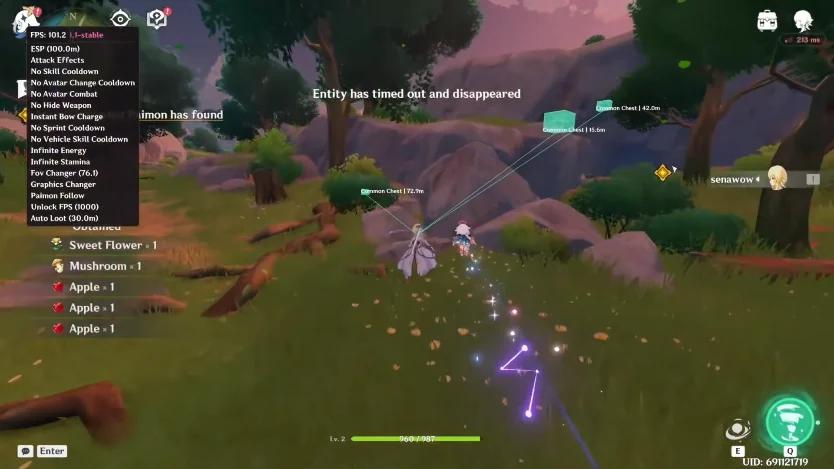
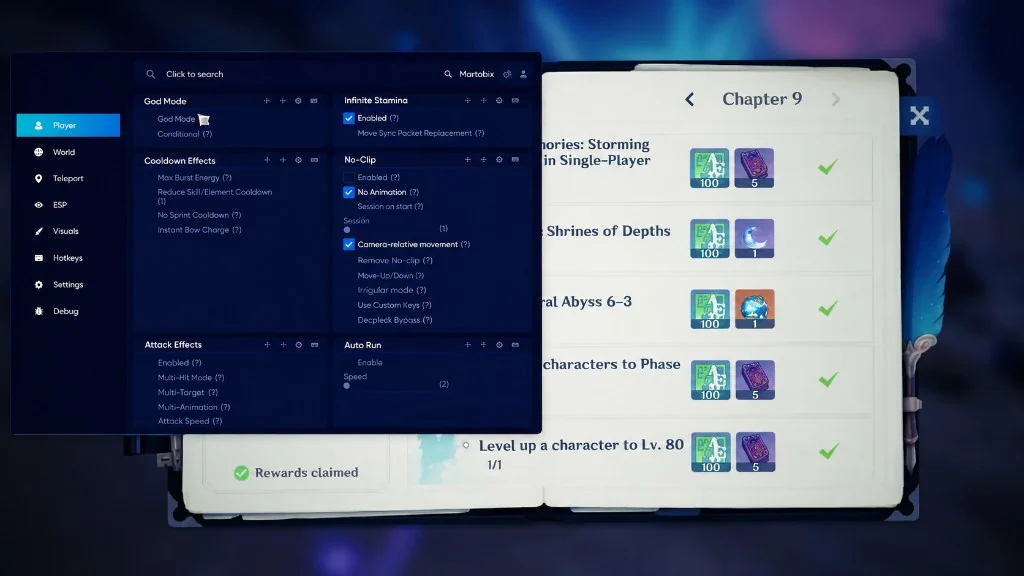
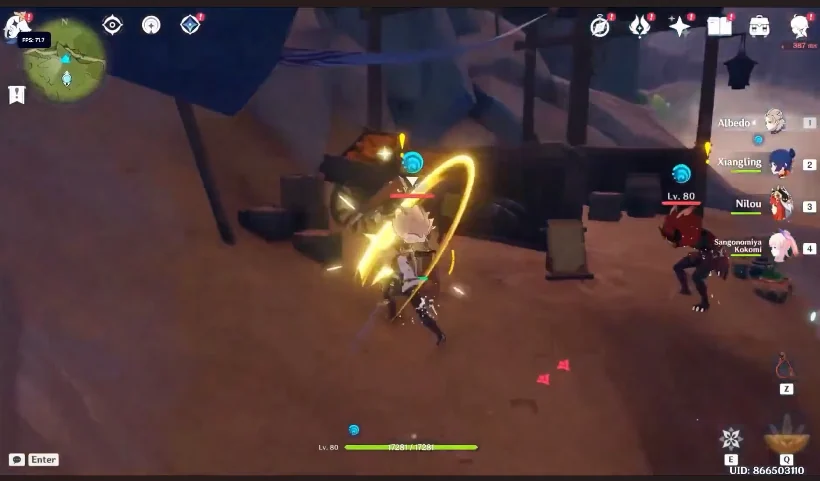
World ESP in Genshin Cheats is clean with fast oculi markers.
Noclip helps with exploration. Still worth the price for Genshin Cheats.
Genshin Cheats stayed up after the last mHYProtect update. AWS option worked well.
What is Genshin Cheats? Genshin Cheats is the Cloud DMA Genshin Impact cheat for Windows PC. One license includes ESP, aimbot, godmode, noclip, and auto-loot, with mHYProtect anti-cheat status notes after patches.
Are Genshin Impact Cheats undetected in 2026? Genshin Cheats stays maintained in 2026 only while rebuilds land after mHYProtect anti-cheat and game patches. Check the Status page before you play. No cheat can guarantee permanent undetected status.
Does this work in open world and co-op? Yes — ESP, aimbot, noclip, and auto-loot are built for Genshin Impact on Windows PC in open world and co-op sessions.
What is included — ESP, aimbot, or noclip? ESP, aimbot, and noclip are all included in one license, plus godmode, auto-loot, teleport, and FPS unlocker. See Features for the full list.
How are licenses delivered? Licenses are delivered digitally after payment is confirmed. License details arrive through checkout. Timing can vary by payment method and order review. Keep your order confirmation ready if you contact support.
Where do I check updates after a Genshin Impact or mHYProtect anti-cheat patch? Check updates on the Status page after a Genshin Impact or mHYProtect anti-cheat patch. Maintenance notes post there when a patch affects the package. That is the fastest place to confirm whether a new build is live.
How do I contact support? Contact support on the Support page or email support@genshinimpactcheats.com. Include your order details, package length, and a clear description of the setup issue so replies can be faster.