Setup
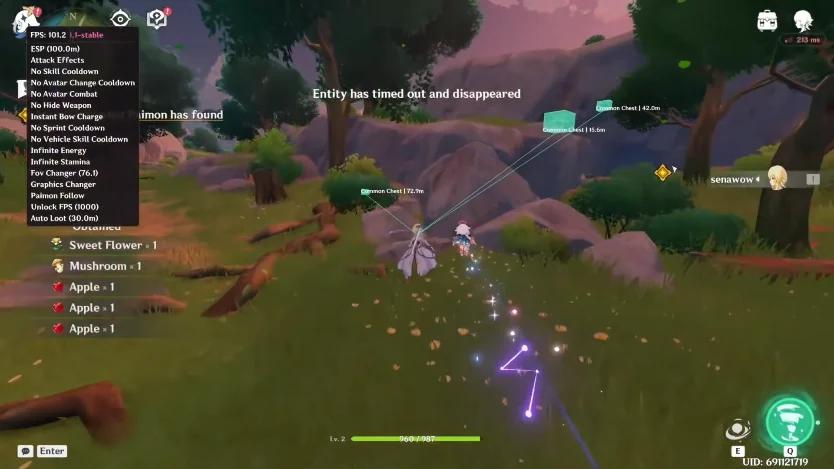
First launch and the menu is greyed out. Overlay is there, but ESP and noclip will not toggle. Windows says Core Isolation is on.
Is this a Cloud DMA / BIOS thing, or did I skip a step on Setup?

Setup
First launch and the menu is greyed out. Overlay is there, but ESP and noclip will not toggle. Windows says Core Isolation is on.
Is this a Cloud DMA / BIOS thing, or did I skip a step on Setup?
Grey toggles = Cloud DMA not ready. BIOS: HVCI, TPM, Secure Boot. Windows Core Isolation is not enough by itself.
Overlay draws, ESP will not click. Sounds like the same grey-menu trap.
Also run the loader as admin. I had a grey menu once from a non-admin launch even with BIOS correct.
Enable HVCI, TPM, and Secure Boot in BIOS, reboot, run the loader as admin, then follow Setup. Grey menus on a green Updates day are setup, not a patch.
If Updates is yellow, do not chase BIOS. Wait for a rebuild. Grey plus yellow is the build, not your PC.
Secure Boot was off. Enabled it, admin loader, menu is live. ESP toggles now.
If it is still grey after those steps, email Support with the order ID. Do not pay twice.